## OFF-GRID GPS TIME SYNCHRONIZATION FOR DIGITAL COMMS
From the [WSJT-X Manual](https://wsjt.sourceforge.io/wsjtx-doc/wsjtx-main-2.6.1.html)
**System Requirements:**
- SSB transceiver and antenna
- Computer running Windows (XP or later), Linux, or OS X
- 1.5 GHz or faster CPU and 100 MB of available memory
- Monitor with at least 1024 x 780 resolution (more is better)
- Computer-to-radio interface using a (virtual) serial port for T/R switching or CAT control or VOX, as is needed for your radio to computer setup
- Audio input and output devices supported by the operating system, capable of 48 kHz sample rate
- Audio or equivalent USB connections between transceiver and computer
- **A means for synchronizing the computer clock to UTC within ±1 second**
Did you catch that?
### **A means for synchronizing the computer clock to UTC within ±1 second.**
Digital modes present some difficulty in a grid-down scenario due to the required equipment & operating knowledge to be proficient. Most software packages require time synchronization and do not have "on the fly" sync options like JS8Call, requiring individual stations to sync to a common time reference like "Net Time" or "GPS time".
JS8Call has solved this problem to an extent by allowing one to sync their computer to the reception of a signal start or stop time and with practice you can do so pretty easily, as you only need to be within +/- 2 seconds for it to work!
For a great video on the matter, checkout [KM4ACK](https://youtu.be/Uik6S_J8ZoE)'s YouTube channel.
### GPS Dongles
#### U-blox7
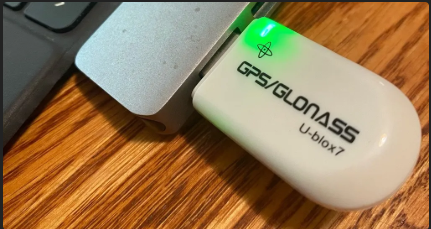
Of course in a grid-down scenario, the internet is not going to be a source for such synchronization but hopefully, GPS time will still be available for download from the GPS satellite system. Luckily GPS dongles are cheap and pretty effective, for less than $15.00 you can bring GPS time sync to your setup.
The [U-Blox USB dongle](https://amzn.to/3VTg8pM) off of Amazon is a solid option.
#### VK-162 USB GPS Dongle
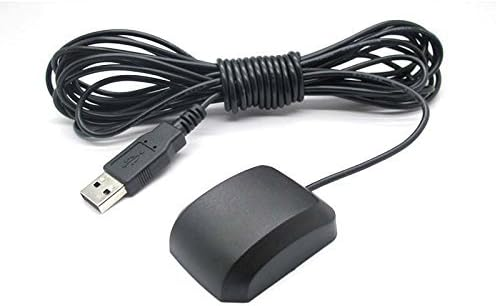
Because the Ublox 7 is slow to pick up satellites and rarely can grab them inside the house, I bought [this model with a 6ft cord](https://amzn.to/3VQphQ8) (has an updated Ublox 7 unit) to allow placing in the window and running the cord down to the computer.
It is very fast and accurate and works with the same software just as easily, even using the same settings. I recommend it over the Ublox 7 if space is not an issue in your kit or for a base setup. I still use the [U-Blox USB dongle](https://amzn.to/3VTg8pM) for field use and the corded version for my base radio.
### Time Sync Apps
#### BKtTimeSync
Besides the dongle you will need software to translate the raw download and apply it to your system clock. The ~~best~~ (second best) program I have found for this is the free program called [BKtTimeSync](https://www.maniaradio.it/en/bkttimesync.html).
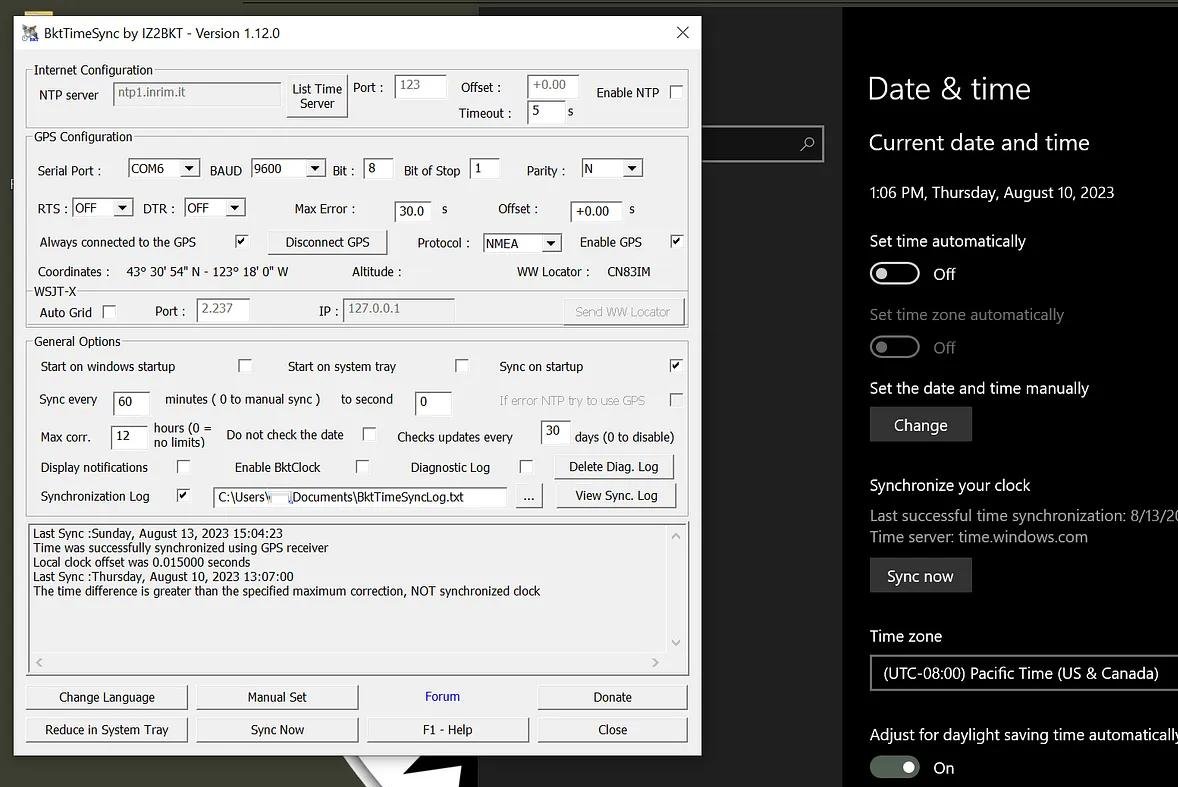
In the image above I have turned off Wifi on the laptop, set my Date/Time back 3 days: 2 hours. You can see in the GENERAL OPTIONS under Max Corr. this puts me outside the allowed sync time, and it will not sync.
As shown on the main page of the BKtTimeSync program, if you set "Max corr." to zero it will sync no matter how far off your computer clock is.
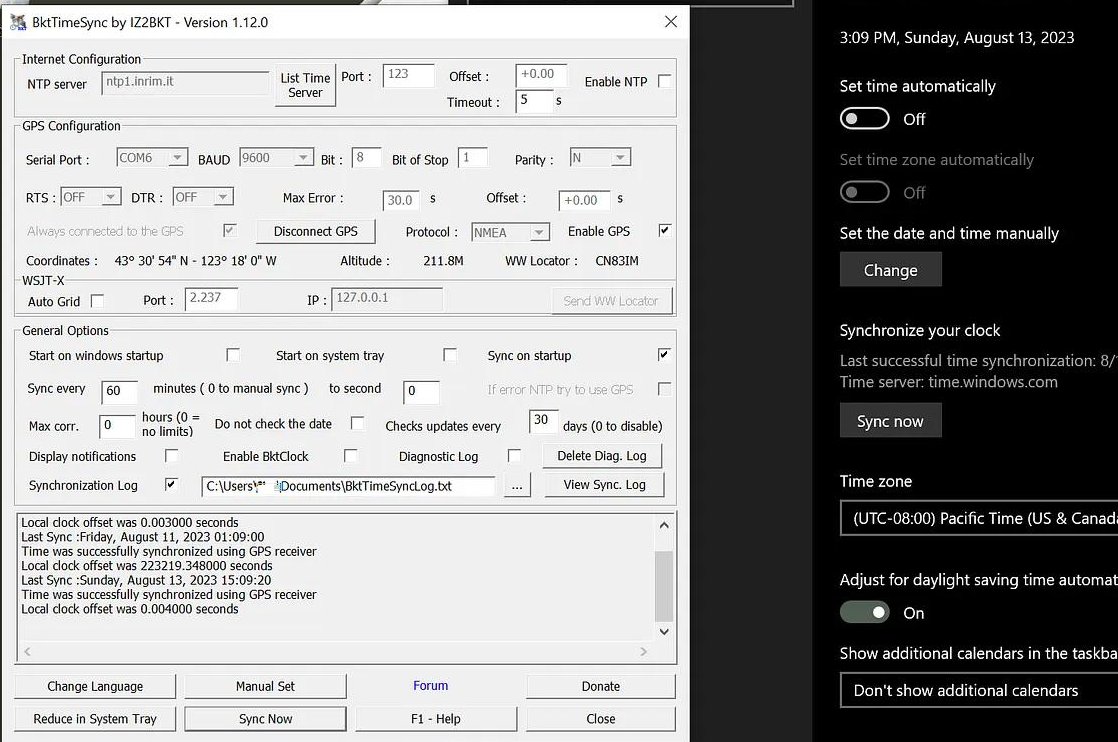
With the Max corr. set to zero, the GPS is allowed to sync as shown above.
And that is all there is to it. An easy, but a critical part of digital comms in SHTF as laptop clocks drift very quickly without being connected to the internet to update the time. My experience is without a GPS dongle, the time will be off past the critical +/-1sec limit within just a few days.
#### NMEATime2
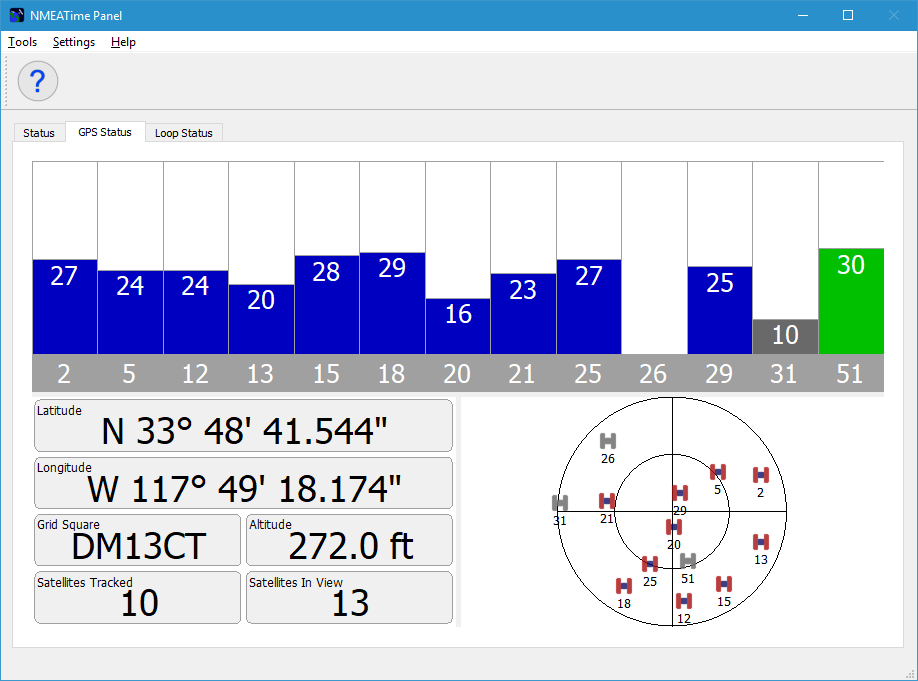
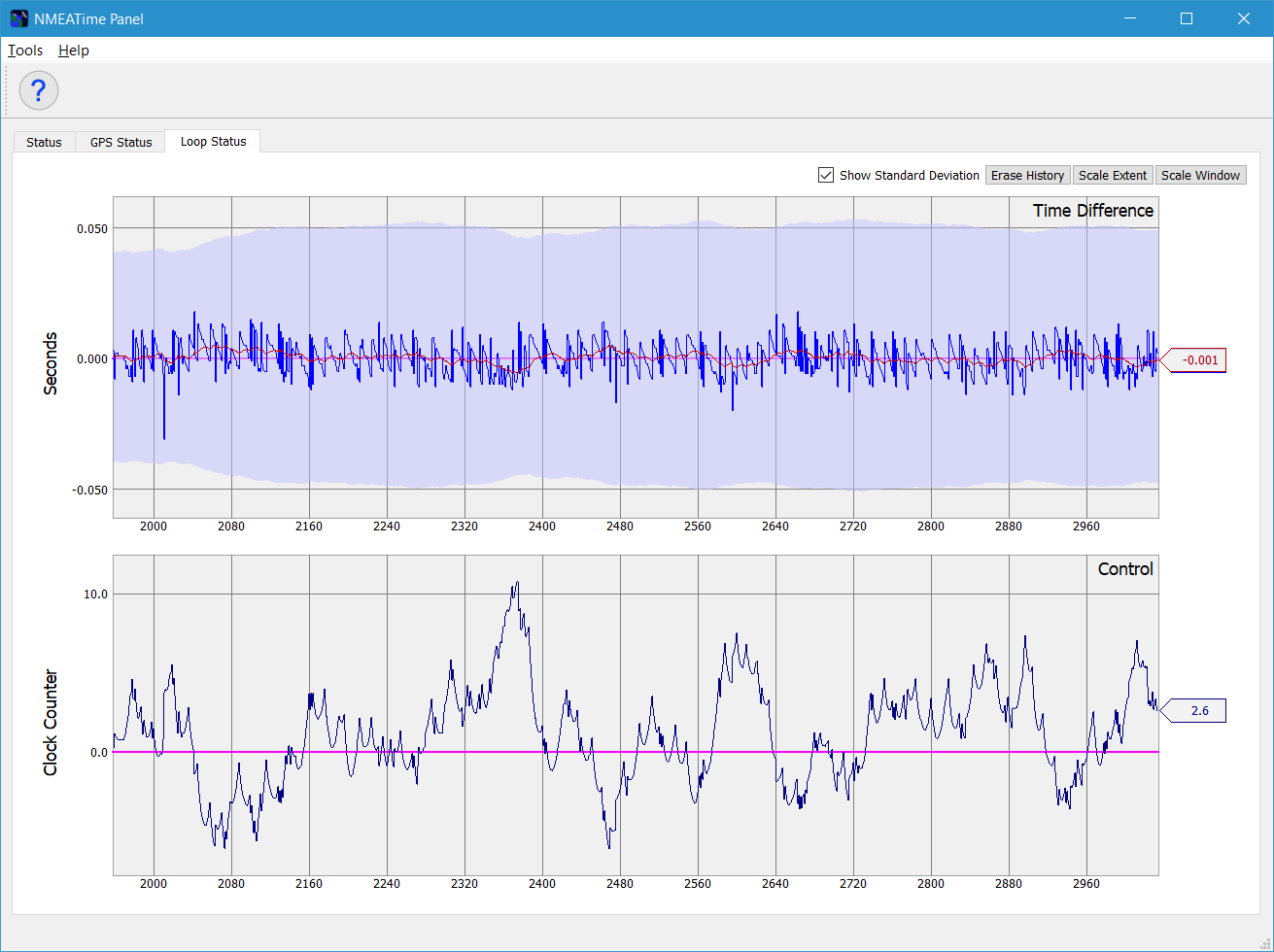
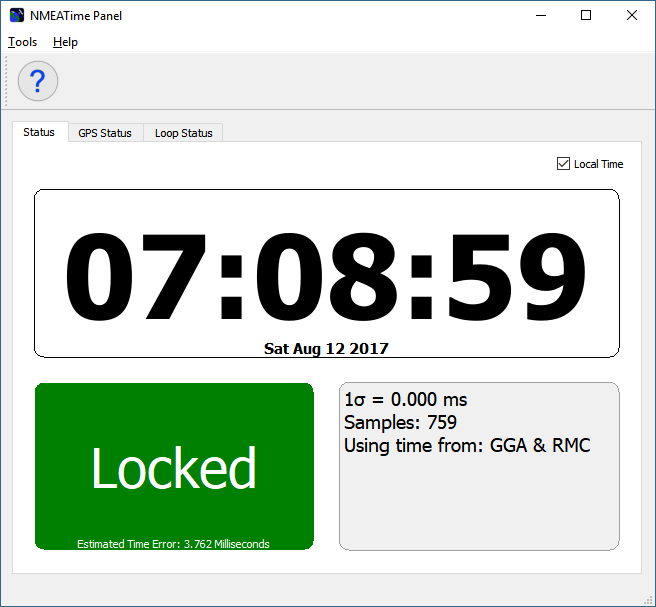
It seems BKtTimeSync has a hard time locking on satellites sometimes and will drop out of sync. So I started looking for an alternative and the best I have found is [NMEATime2](https://www.visualgps.net/#nmeatime2-content), which is a paid app at $20.48USD but well worth it IMO. It gives a bit more information and seems better at locking in satellites.
#### Command Line & GPS Watch
My last resort is to update the PC clock with my [Garmin Instinct 2](https://amzn.to/45xAOYo) (great value!) and a CMD command of "Time" which returns the current PC time and then allows you to enter and set the time.
~~~
# TIME
Display or set the system time.
Syntax
TIME [_new_time_]
TIME
TIME /T
Key
_new_time_ : The time as _HH_:_MM_
TIME with no parameters will display the current time and prompt
for a new value. Pressing ENTER will keep the same time.
~~~